 PixPin
Appearance
PixPin Membership
Most of PixPin's features are free. To support better maintenance and continuous development, PixPin has launched a membership service. Members can access exclusive features. If these features are helpful to you, you can go to the Config via the tray menu, select the Account page to Subscribe to Membership. Thank you very much for your support!
Global Mouse
You can perform PixPin screenshot-related operations in other programs by holding a modifier key + dragging the mouse.
Demo of Screenshot and Pin
Default Settings
Win + Left Mouse Drag: Screenshot and Pin Win + Middle Mouse Drag: Screenshot and Copy Image Win + Right Mouse Drag: Screenshot and Copy Recognized Text You can configure more global mouse operations in the Config interface. 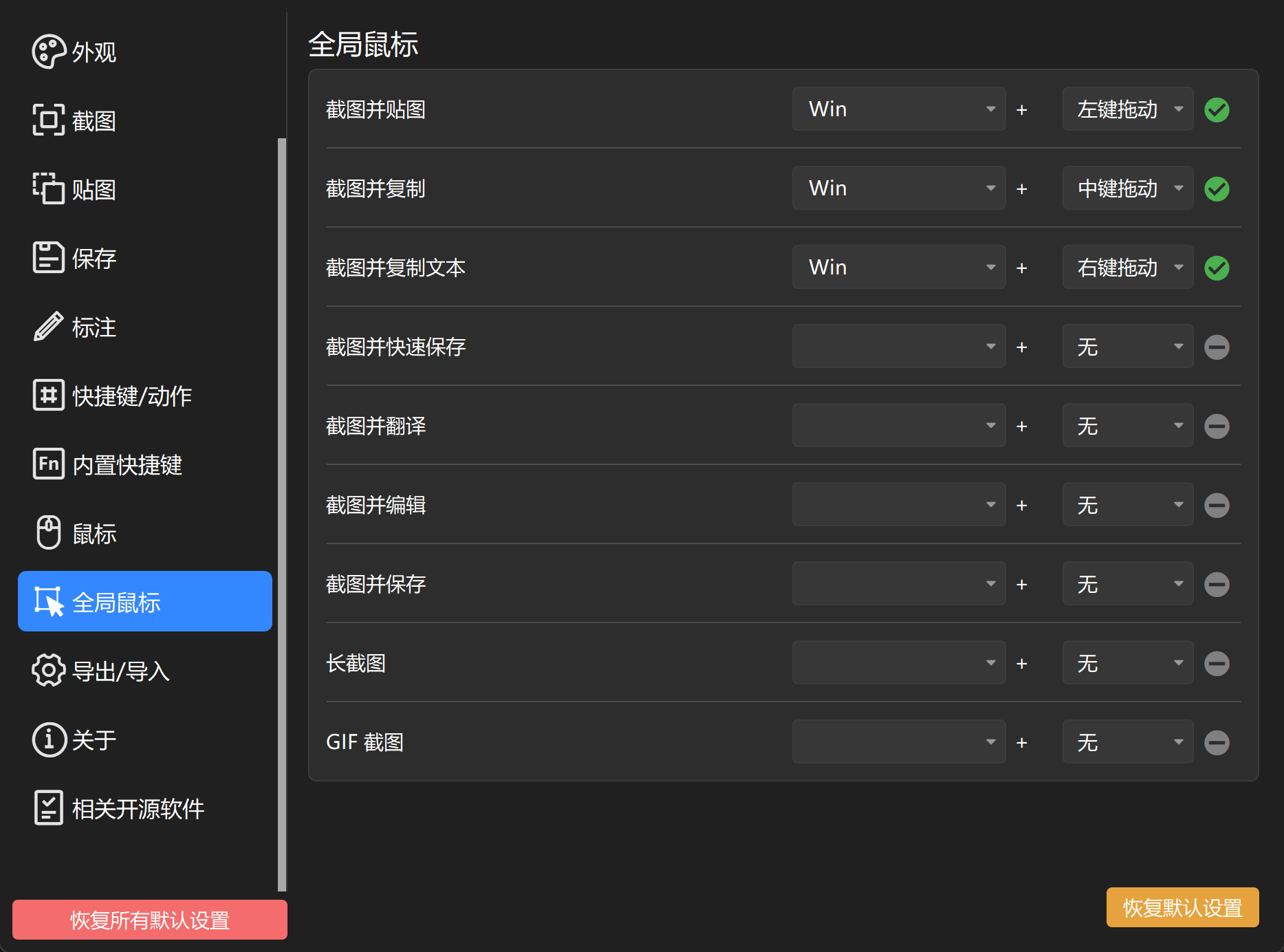
Select Text Range When Annotating Pinned Image
All PixPin users can use the right-click to automatically select the range of UI elements when using annotation tools during screenshots. Members can also use the right-click to automatically select the text pointed to by the mouse when annotating Pinned Images. 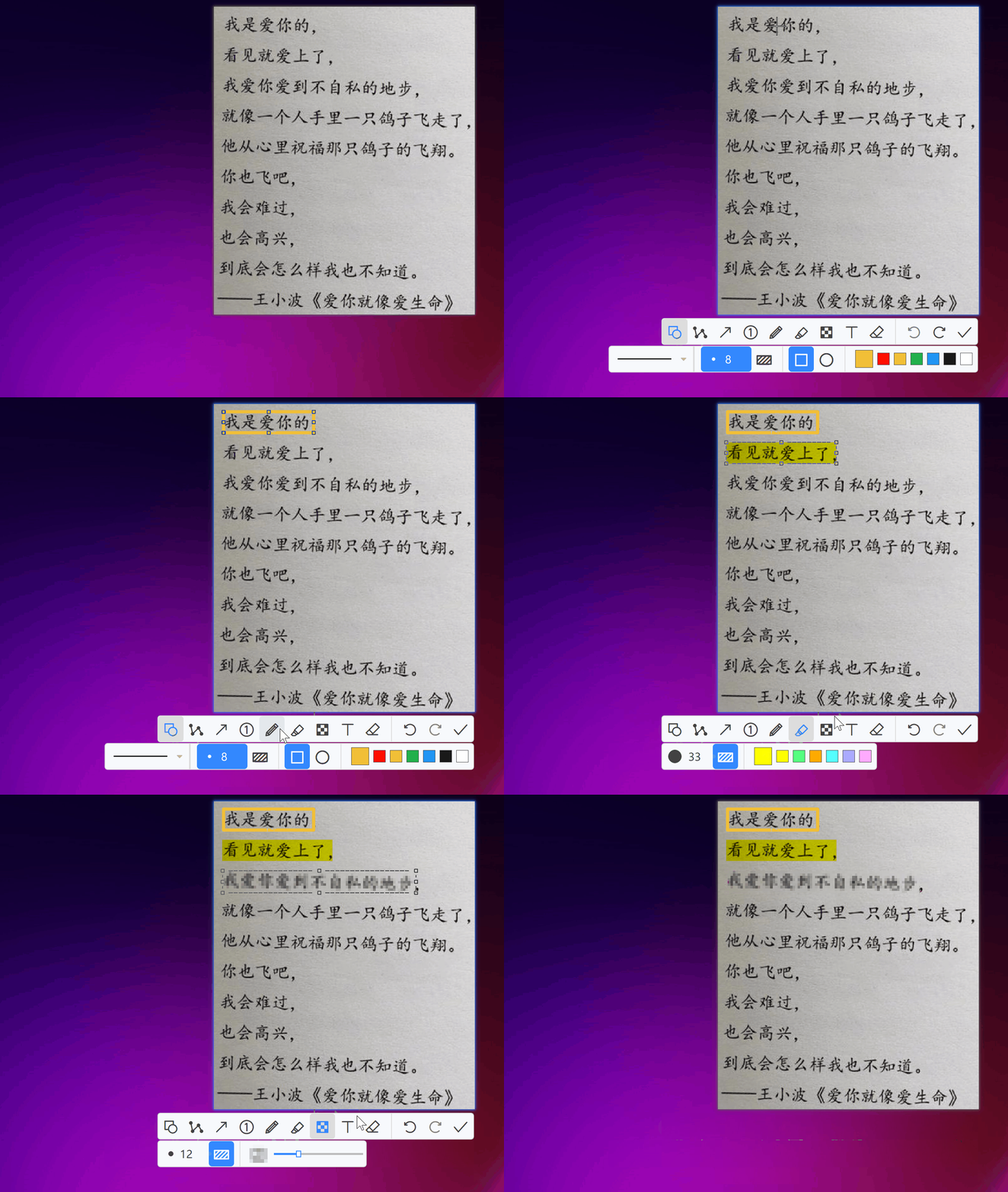
Record Mouse/Keyboard Operations During Screen Recording
PixPin members can set whether to record mouse or keyboard operations when using the recording function. 
- Record Mouse
- Record Keyboard
Recording Effect
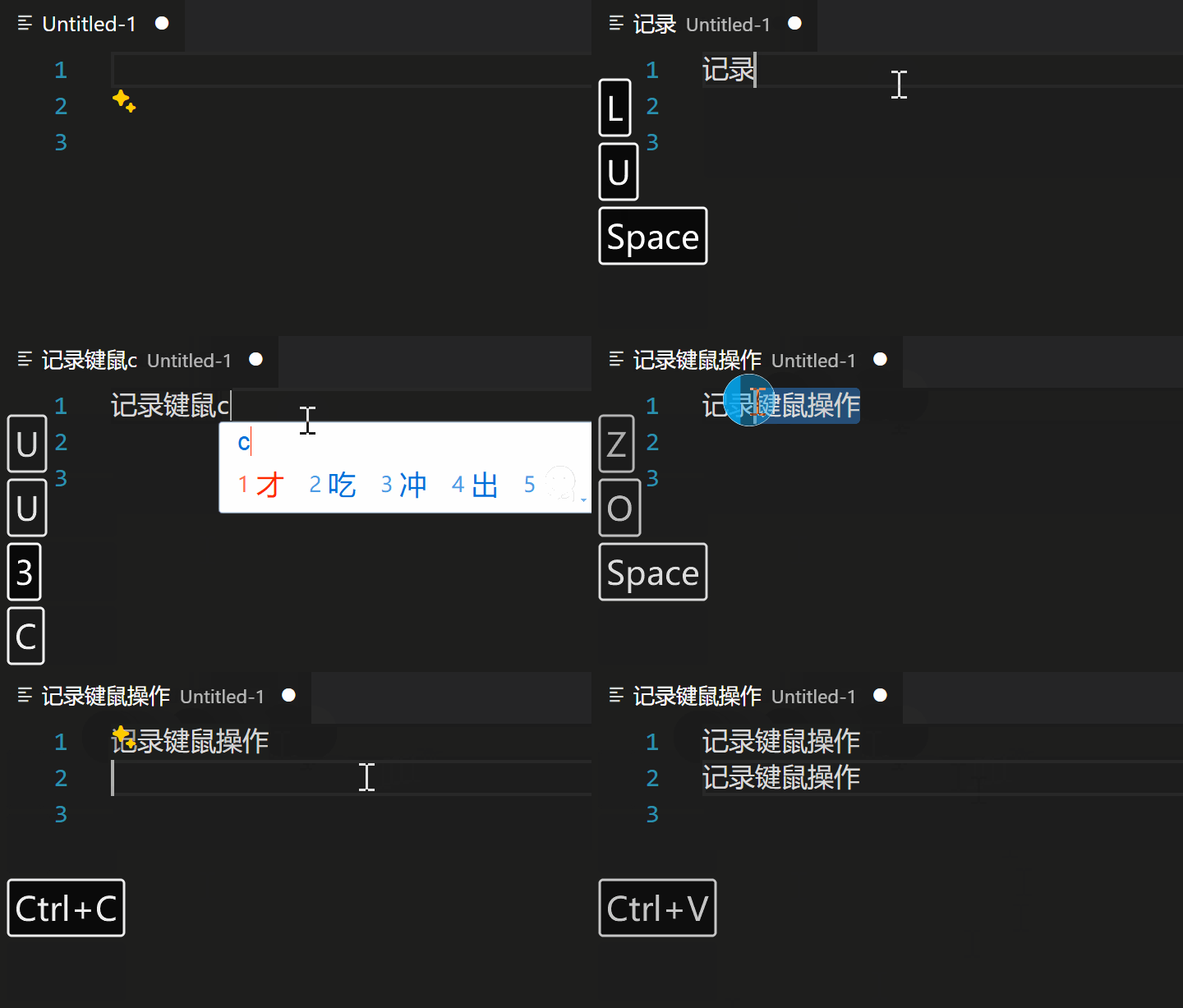
Image Translation / Text Translation
Member users can use the translation function on Text Pins and Image Pins via the right-click menu or the translation shortcut Ctrl + Q.
Translate via Shortcut During Screenshot

Translate via Right-Click Menu
Cloud Config Sync
Member users' configurations can be automatically synced to the cloud, making it convenient to use the same configuration on different devices. 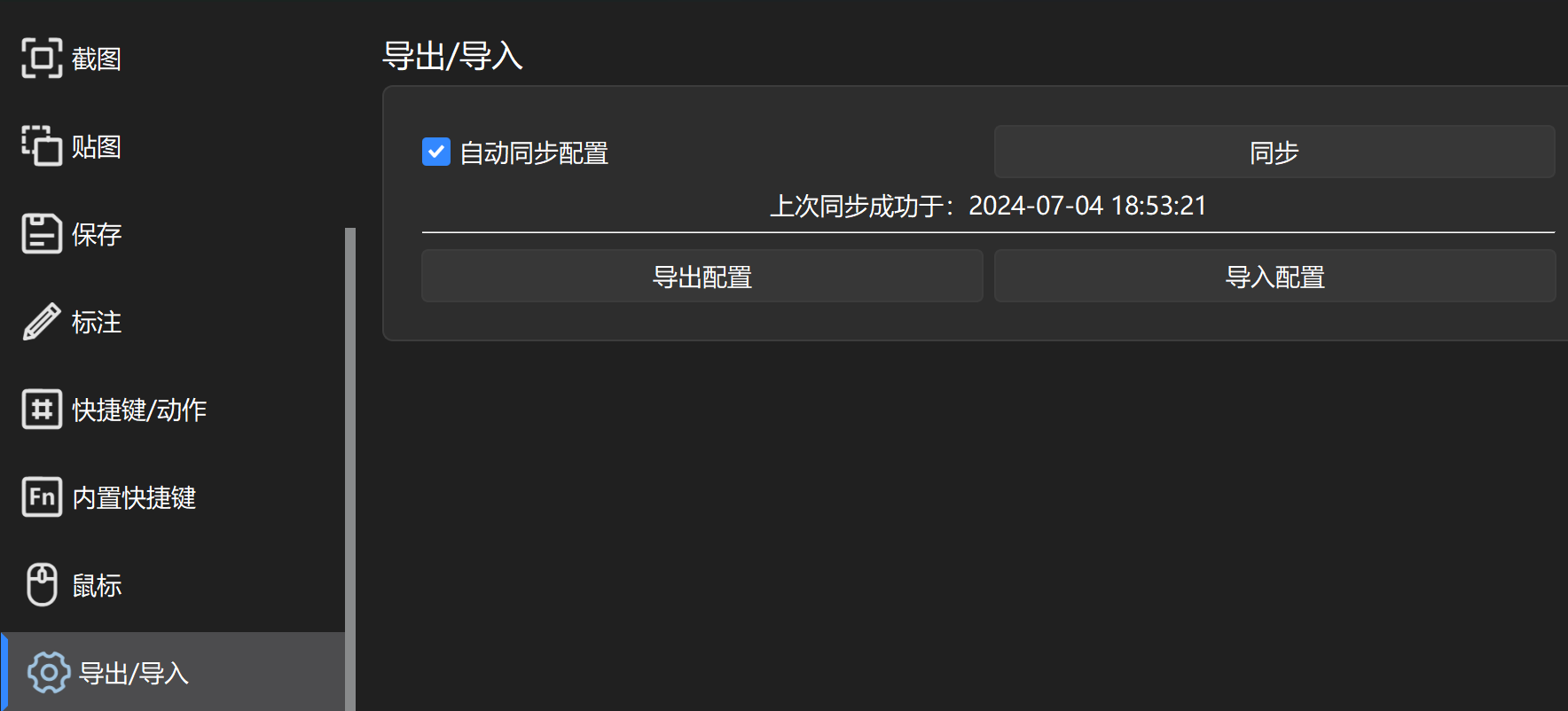
WARNING
Since the directory structure of different devices (such as Desktop folder, Documents folder, etc.) may be inconsistent, the paths for Quick Save and Auto Save will not be synced to the cloud. These two paths are set independently for each device.