 PixPin
Appearance
System Config
System
Language
Configure the language of the PixPin interface. By default, it will be automatically selected based on the system language, or you can select it manually. Currently supports English and Simplified Chinese.
Optimize Screenshot Response Speed
Due to the task scheduling mechanism of the Windows system, programs that are not active for a long time will have their priority lowered, resulting in slower response speed when activated again. Checking this option can improve the screenshot response speed.
Auto Start on Boot
Check this option to automatically start PixPin after booting. You can also check "Run as Administrator", PixPin will run as administrator. At this time, you can use PixPin's shortcuts to activate screenshot, pin, and other functions in other programs with administrator privileges.
Allow Simple Global Shortcuts
By default, global shortcuts are not allowed to be set as single letter keys or other overly simple keys because they will interfere with the normal use of other programs. If you really need to set such global shortcuts, you can check this option.
Clipboard
Copy Image as File
Check this option to save the image to a temporary folder when copying the image, and then copy the file path to the clipboard. This allows pasting as a file in some programs that do not support pasting images well, or pasting directly into a folder.
Translation
Set the service provider used for translation. Currently, only Youdao Translate is supported. You can apply for an API Key on the Youdao Translate official website and set it here.
TIP
PixPin uses text translation and image translation, you need to enable the corresponding permissions in the service provider's backend. 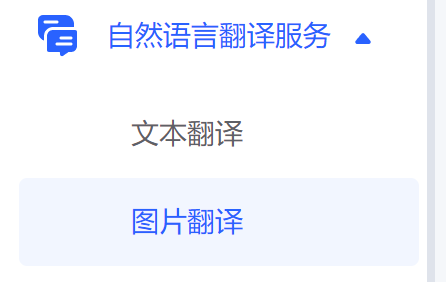
Taskbar Tray
Only supported on Windows system You can set the behavior when the mouse clicks the taskbar tray icon, including screenshot, pin, and no action.
Update
Auto Check for Updates
PixPin will check for new version updates at the first startup every day and pop up a prompt. If you do not need the update prompt, you can uncheck it.
Check for Updates
Manually check for updates. If there is a new version, a prompt will pop up.