 PixPin
Appearance
v3.2.3.1 Release Notes
June 5, 2026
PixPin 3.2 stable focuses on adding extra-long screenshots, automatic alignment for multiple pinned images, picture-in-picture camera recording, and recording experience improvements. It is especially useful for users who need to organize long pages, work with multiple pinned images at the same time, record operation demos, or quickly collect screenshot materials. In addition, this release includes a set of more detailed updates for saving, annotation, QR code recognition, translation, and global mouse features, making common workflows smoother.
Download
Windows
macOS
What's New
3.2.3.1
Features
Extra-Long Screenshot Mode
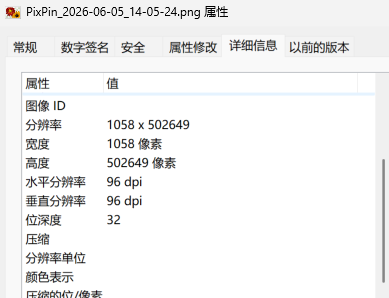
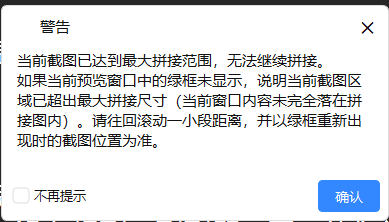
Long screenshots now include an extra-long screenshot mode, which is useful for organizing extra-long web pages, long tables, chat logs, and document pages. When capturing longer content, it can reduce the need for segmented screenshots and manual stitching. Some image tools may have height limits and may not be able to open these images normally. 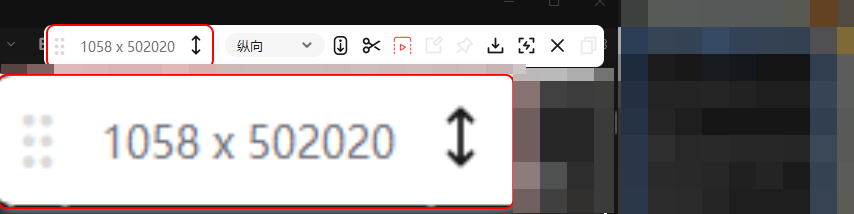
Pinned Image Alignment
After selecting multiple pinned images, you can use automatic alignment directly from the right-click menu. Alignment uses the pinned image currently selected by right-clicking as the reference, then moves the other pinned images into position. This is useful for arranging flowcharts, design references, and comparison materials. 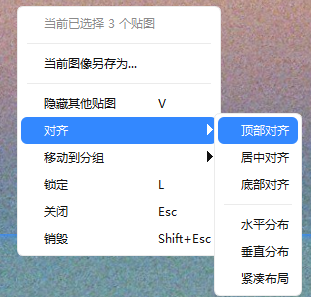
Camera Recording
Members can now record the camera at the same time in picture-in-picture mode while recording. Camera content can be displayed as a rectangle or circle. When switched to circular display, hold Shift and drag with the left mouse button to adjust the visible area inside the circle, making it easier to create explanation videos, tutorials, and issue reproduction recordings. 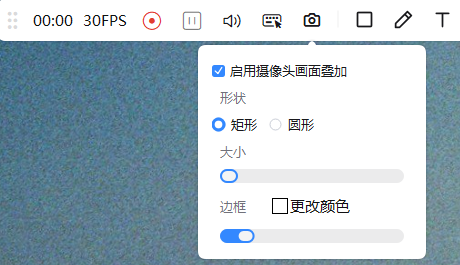
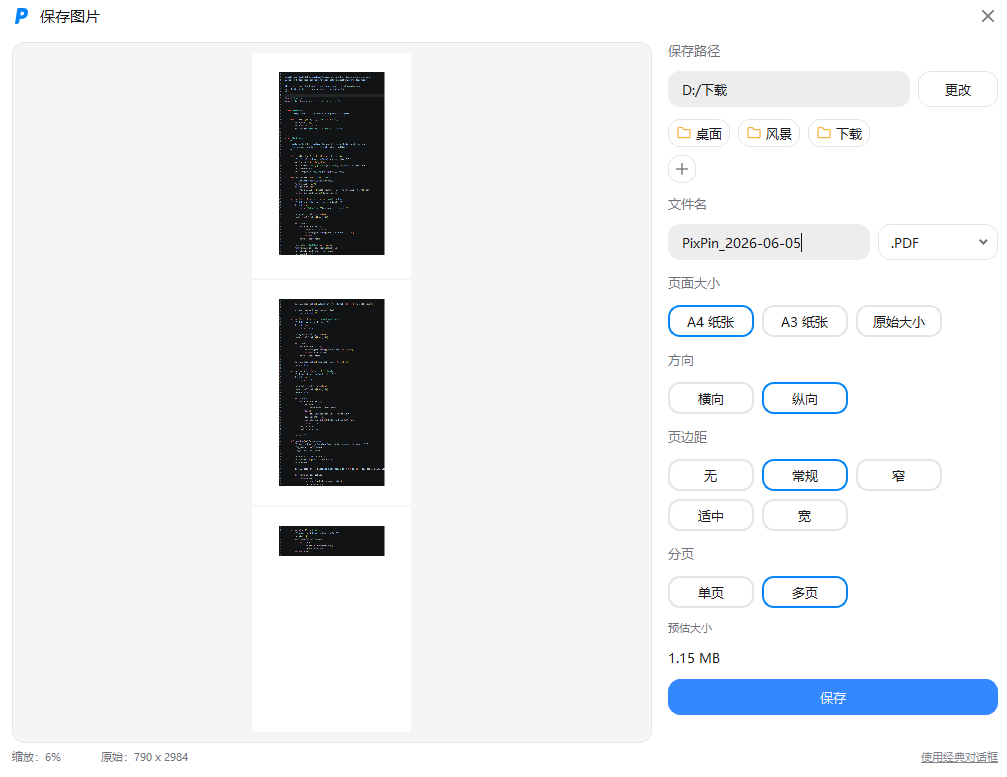
[Members] Save as PDF Adds Margin and Pagination Options
- [Annotation] Text annotations now support arrows, and can be quickly copied by holding
Altand dragging. - [Annotation] Arrow text now includes direction and text background color options.
- [Annotation] Serial Number annotations now include a plain number style.
- [Annotation] Watermarks now support centered display.
- [Members] Content can now be translated into Indonesian, Malay, Italian, Russian, Thai, Vietnamese, Arabic, and Turkish.
Settings
- [Pin] Added an option to show the toolbar when mouse passthrough is enabled, Config - Pin - Show Toolbar When Mouse Passthrough Is Enabled.
- [Annotation] Added an option to prevent comments from appearing when double-clicking an arrow, Config - Annotation - Arrow - Do Not Show Comments When Double-Clicking Arrow.
- [Annotation] Added Quick Annotation padding, Config - Annotation - Quick Annotation Padding.
- [Annotation] Added an auto privacy mosaic processing option, Config - Annotation - Auto Mosaic - Auto Process Privacy Mosaic, allowing you to choose whether mosaics are added automatically.
- [Annotation] Added an option to automatically add a watermark when taking screenshots, Config - Annotation - Watermark - Automatically Add Watermark When Taking Screenshots.
- [System] Added a lightweight Simplified Chinese model option for OCR language, Config - System - Text Recognition - Language.
- [Screenshot] Added element detection margin, Config - Screenshot - Element Detection Margin.
- [Screenshot] Added smooth scaling for magnifier content, Config - Screenshot - Smoothly Scale Magnifier Content.
- [Screenshot] QR code detection mode now includes an option to display content directly, Config - Screenshot - QR Code Detection Mode.
- [Save] Auto Save now includes save type options.
- [Save] Save variables now include second-level and millisecond-level timestamps.
- [Save] Quick Save notification buttons now support locating the file, copying the file, and copying the path, Config - Save - Quick Save - Notification Buttons.
- [Shortcut/Actions] Added a "Clear All Shortcuts" button, Config - Shortcut/Actions.
- [Shortcut/Actions] Added a preset action for recognizing a QR code and copying it.
- [Account] The account page now supports hiding personal information, Config - Account.
- [Members] Global Mouse now includes a one-click clear button, Config - Global Mouse - Clear All.
Improvements
- [Floating Ball] The floating ball can now collapse halfway to the screen edge, reducing its obstruction of screen content.
- [Pin] After setting pinned image transparency, saved and copied images also preserve the transparency effect.
- [Pin] When hiding or showing pinned image windows, the current pinned image layer order is preserved, reducing extra steps during continuous organization.
- [Recording] Added a 30 FPS option, suitable for recording smoother operation demos.
- [Recording] When recording moving windows, border display is controlled better, reducing cases where borders are captured in the video.
- [Recording] Quick Recording now uses the previous save path by default when saving, and the video playback window is no longer always on top by default.
- [Save] On macOS, the image save dialog now supports two-finger trackpad zoom. The save settings page can directly show the currently supported save variable list and descriptions.