 PixPin
Appearance
LaTeX Formula Pin
When the content in the clipboard is LaTeX text, pressing the pin shortcut Ctrl + 2 will display the formula on the screen as a rendered mathematical formula instead of plain text code.
Hint
If you don't have the corresponding LaTeX text content, and the captured LaTeX formula image is not clear, you can get a high-definition formula in the following ways:
- After copying the screenshot, press
Shift + Ffor formula recognition (VIP). - Or after pinning, right-click menu -> Recognize -> Formula Recognition (VIP).
After recognition, get the LaTeX source code and pin it again to get a high-definition mathematical formula.
Example Effect
Copy the following LaTeX code:
latex
$$
\begin{aligned}
\dot{\alpha}(t) &= -i \sum_k g_k \int_o^t (-i) g_k e^{i \Delta_k (t-t')} \alpha(t') dt' \\
&= - \sum_k g_k^2 \int_o^t e^{i \Delta_k (t-t')} \alpha(t') dt' \\
&= - \int_0^t dt' e^{i \omega_a (t-t')} \Phi(t-t') \alpha(t')
\end{aligned}
$$
$$
\begin{aligned}
\dot{\alpha}(t) &= -i \sum_k g_k \int_o^t (-i) g_k e^{i \Delta_k (t-t')} \alpha(t') dt' \\
&= - \sum_k g_k^2 \int_o^t e^{i \Delta_k (t-t')} \alpha(t') dt' \\
&= - \int_0^t dt' e^{i \omega_a (t-t')} \Phi(t-t') \alpha(t')
\end{aligned}
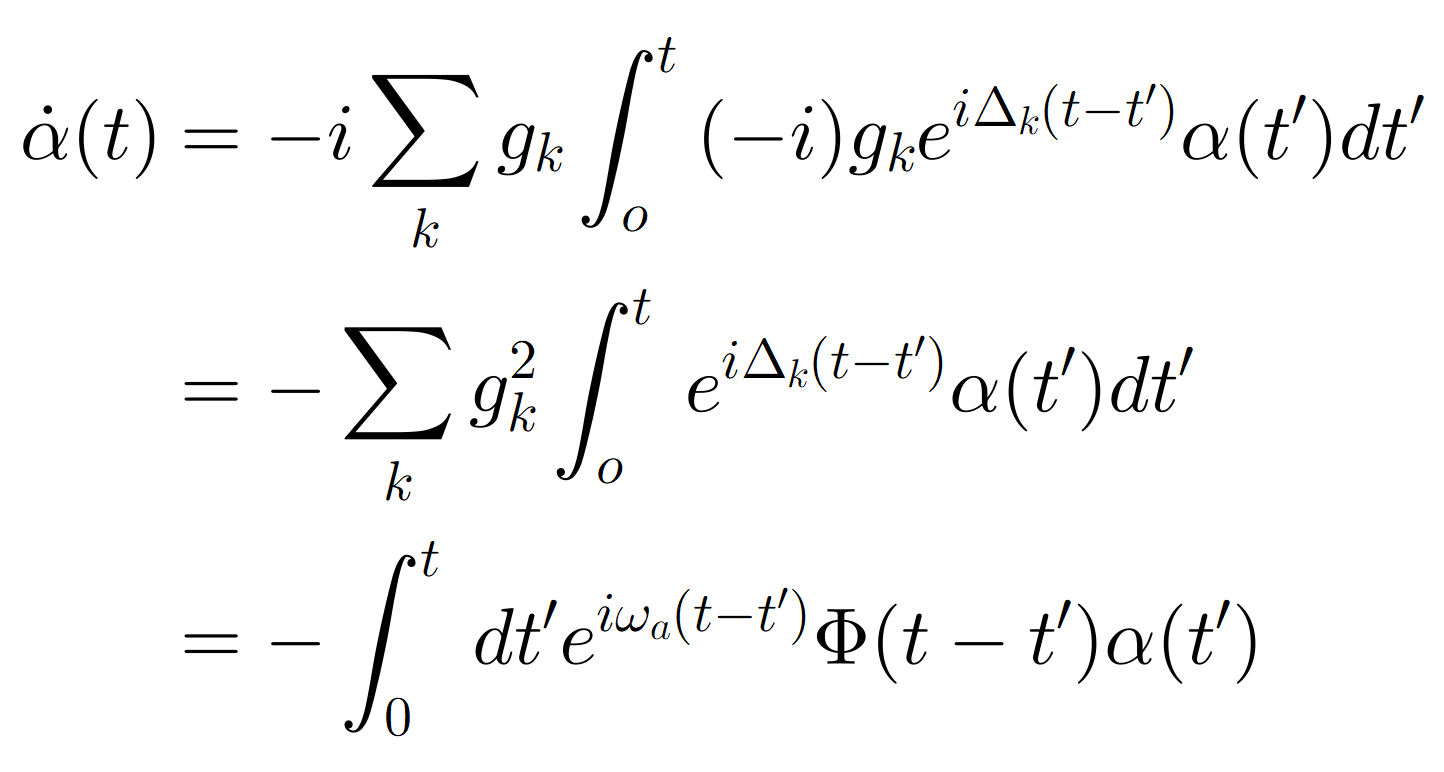
$$Then press Ctrl + 2 to pin, the effect is as follows:
Unique Menu Items for LaTeX Pin
There are four new functions: 
Export as SVG
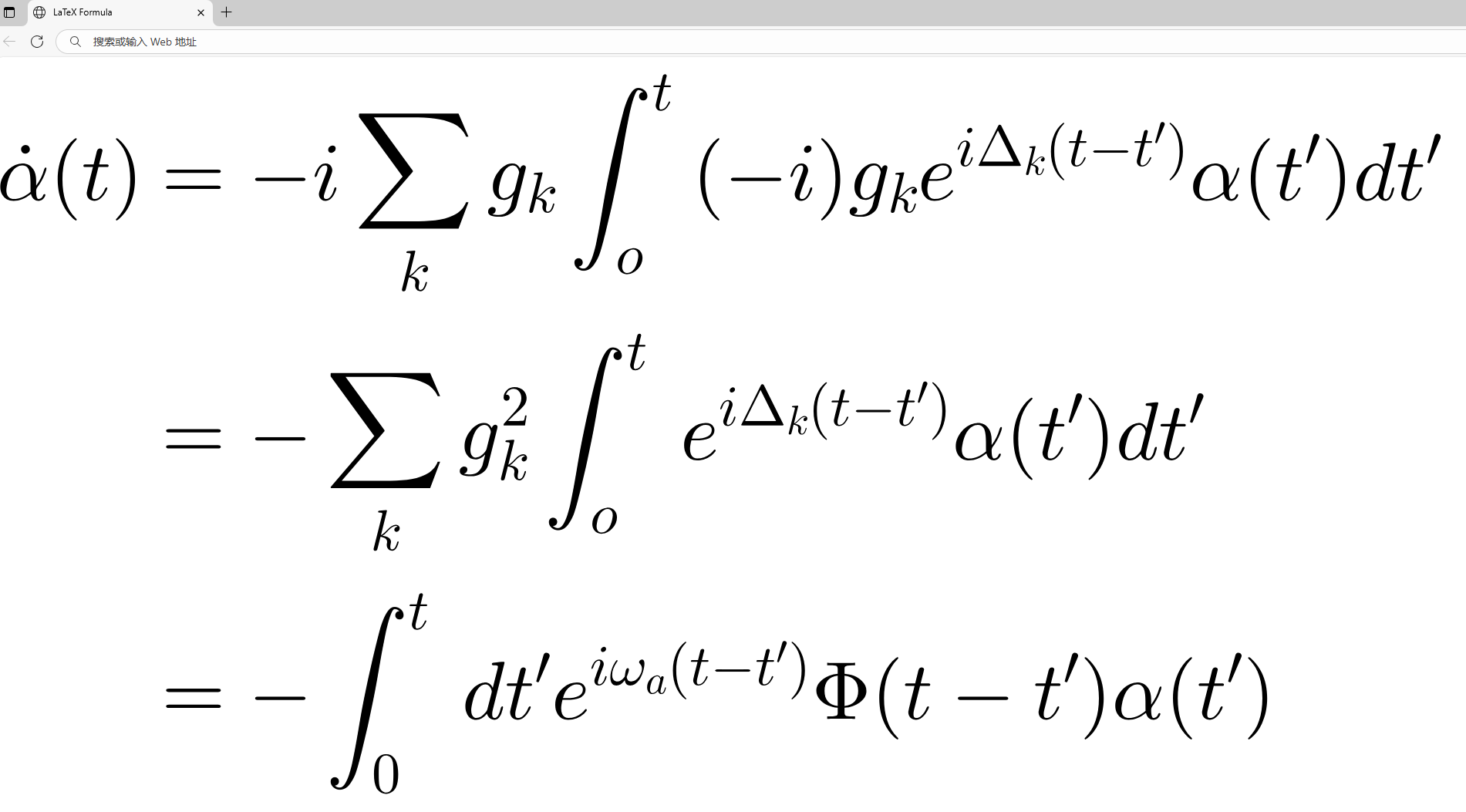
You can export the rendered formula as an SVG vector image. SVG does not distort when zoomed in, making it suitable for presentations, printing, or scenarios requiring high-resolution display. After exporting, it can be used directly in image editors or web pages. Example:
Copy as MathML
Converts the current formula to MathML (Mathematical Markup Language) and copies it to the clipboard. MathML is suitable for embedding parsable mathematical content in web pages or editors that support MathML, facilitating seamless integration and accessibility processing (e.g., screen readers).
Usage scenario example:
- Paste the code in a web editor or CMS that supports MathML:
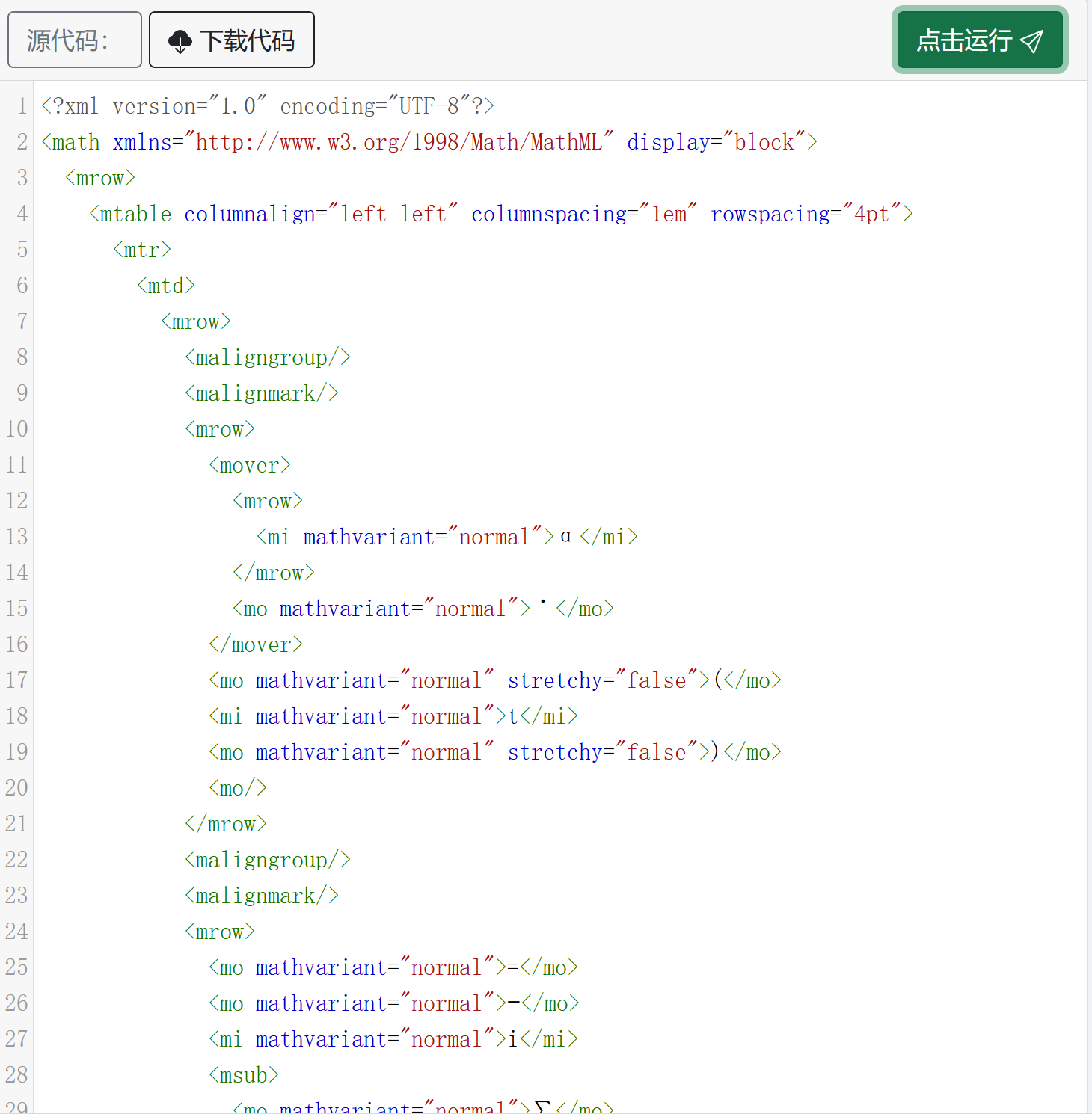
- The page will automatically render and display the formula:

Tip: Not all browsers/editors natively support MathML. Please confirm the compatibility of the target platform or use plugins/components that can handle MathML before pasting.
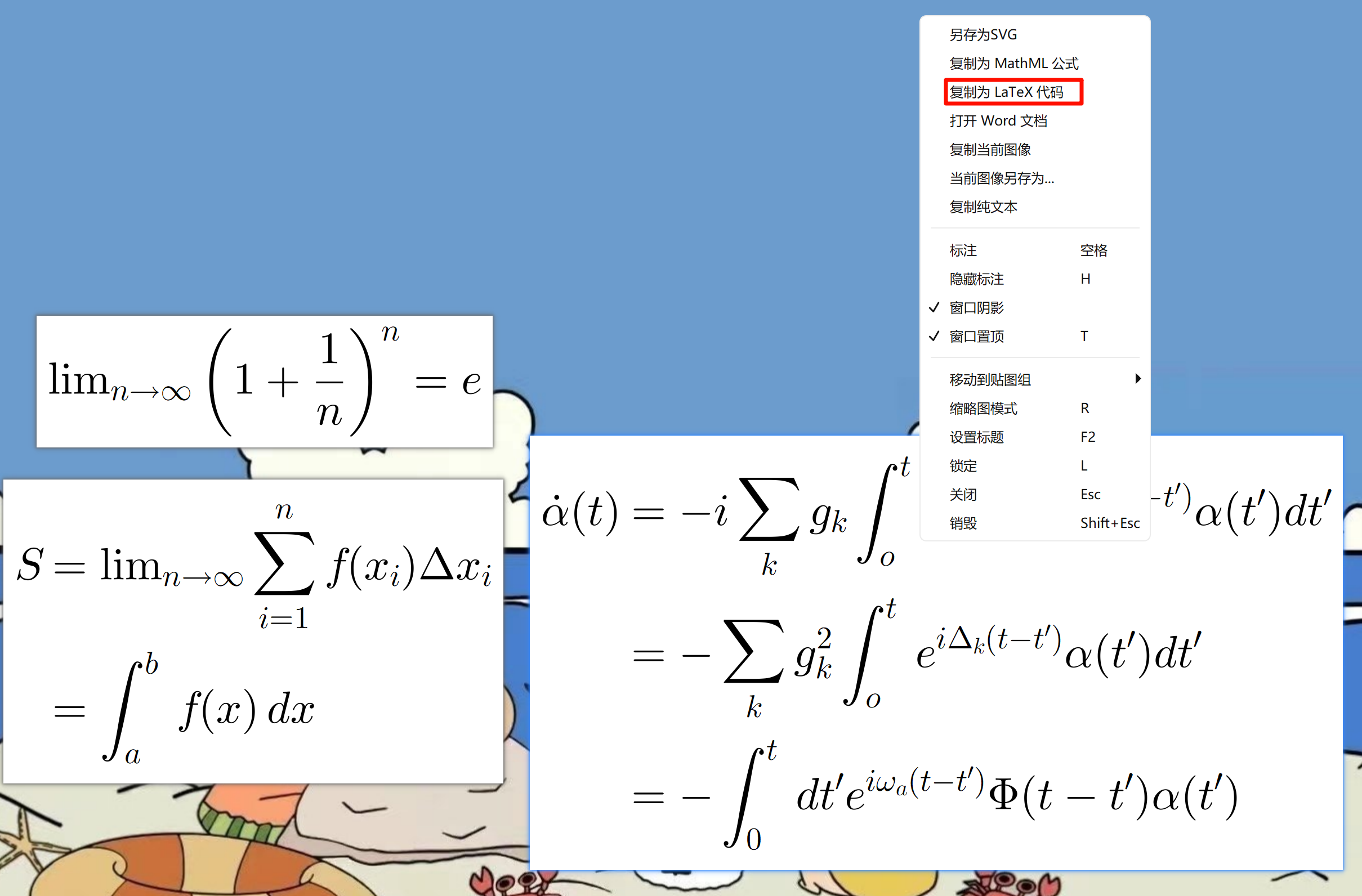
Copy as LaTeX Source Code
Copies the LaTeX source code corresponding to the current pin. Applicable to the following scenarios:
- You have pinned multiple formula images and want to quickly get the source code of a specific one;
- The clipboard is overwritten by other content, and you want to get the original LaTeX of the current pin.
After copying, you can paste it directly into an editor, paper, or code for secondary editing and reuse:
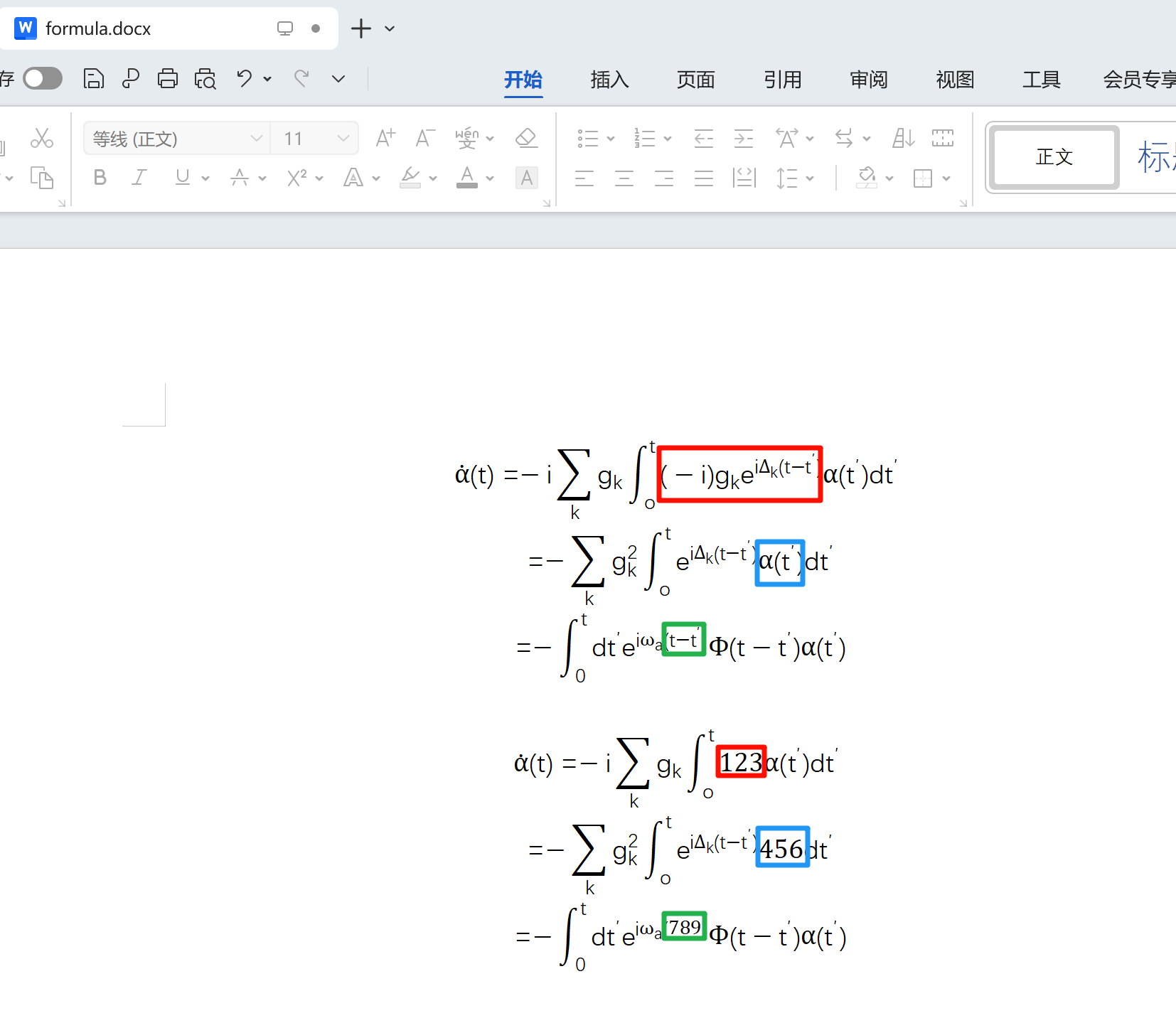
Open / Insert in Word
Inserts the formula into a Word document as an editable Office math object, facilitating subsequent layout and editing (such as adjusting font, size, or as part of a report).