 PixPin


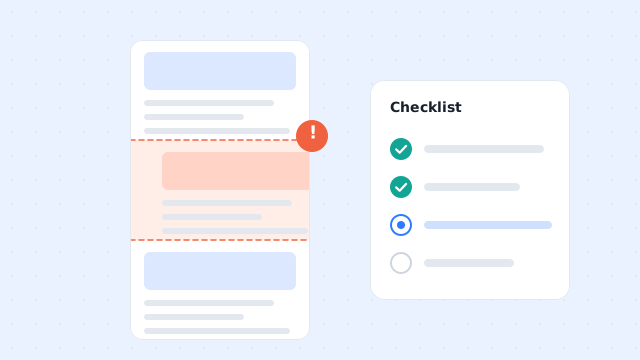
Capture guides
Scrolling Screenshot Not Working? Fix PixPin Capture Issues
Fix PixPin scrolling screenshots that stop, cut off, repeat, or misalign. Check the capture area, preview, hover effects, and saved image size.
Screenshots, scrolling captures, recording, and image translation. From shortcuts to troubleshooting.
Fix PixPin scrolling screenshots that stop, cut off, repeat, or misalign. Check the capture area, preview, hover effects, and saved image size.
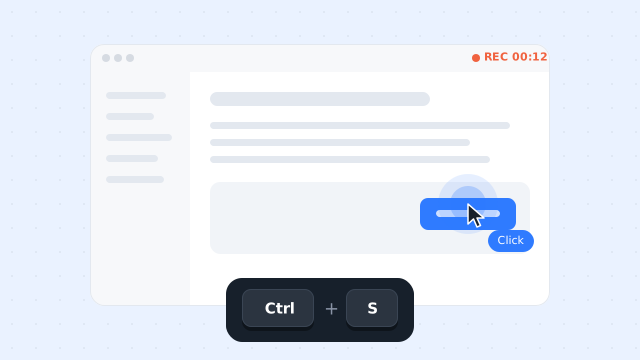
Record keyboard and mouse actions with PixPin, adjust key categories and click effects during playback, and check the exported tutorial before sharing it.
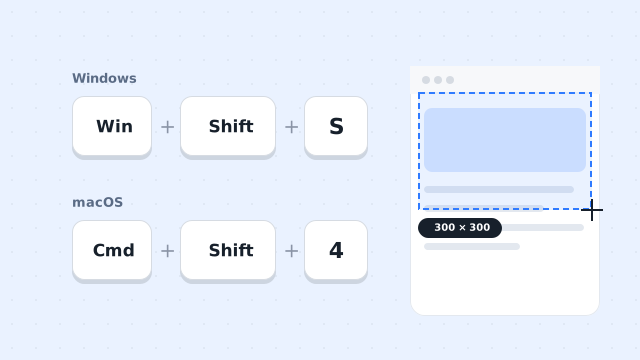
Learn how to take a screenshot on a Windows 11/10 PC or Mac. Compare the main shortcuts, steps, save locations, and PixPin capture tools.

Learn how to pin a screenshot or image on screen with PixPin, resize it, keep it always on top, lock it, or restore it from pin history.
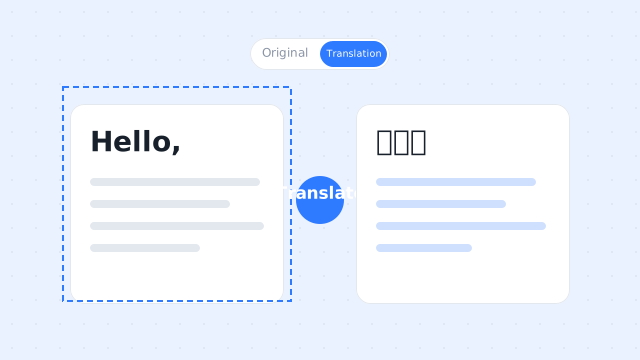
Learn how to translate a screenshot or text in an image with PixPin on Windows and macOS. This guide covers shortcuts, toolbar and pinned-image methods, translation modes, target languages, and API key setup.

Learn how to record a GIF on Windows or Mac with PixPin. Select a screen area, capture your actions, and export a GIF with the right frame rate and quality.
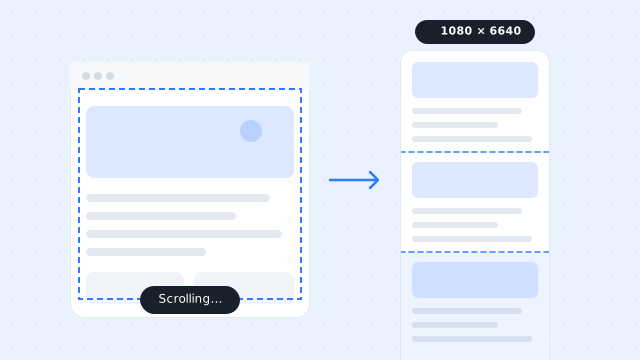
Learn how to take scrolling screenshots on a PC and capture complete webpages, chat histories, documents, and other long content in one image with PixPin.